Apple Pay and Google Pay buttons missing on WooCommerce
Express checkout buttons — Apple Pay, Google Pay and similar — are often the fastest way customers pay on mobile. They also fail in the quietest way possible: the button is simply not there.
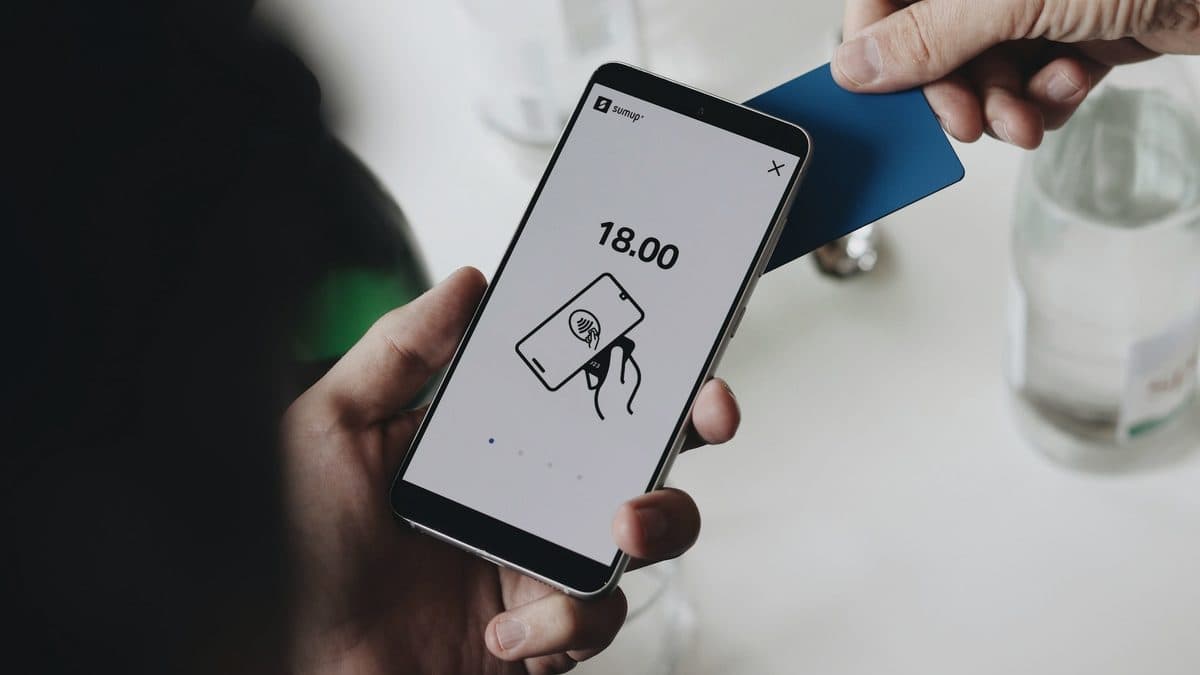
Why buttons disappear
Wallet buttons only show when everything lines up: a supported browser and device, a wallet set up on that device, the gateway’s script loaded, and — for Apple Pay — the domain registered with the payment provider. Change your domain, add a www redirect, or move to a new host, and registration may no longer match.
Check the gateway’s settings and logs first; the Stripe extension documentation covers express checkout setup and requirements.
Other common causes
Script optimisation that defers or combines the gateway’s JavaScript, a Content Security Policy that blocks it, or a consent banner that blocks payment scripts until consent. Theme or block changes can also remove the location where buttons render.
Because this mostly affects phones, it is part of the wider problem of checkouts that only break on mobile.
Checking it regularly
Test on a real iPhone with Apple Pay and an Android phone with Google Pay after any domain, CDN, theme or gateway change. Compare orders by payment method: a sudden drop in wallet payments is usually the first visible sign.
A monitor can confirm the payment step renders and a payment method is ready; pair it with a periodic device check for the wallet buttons themselves.
Check your own store now with the free WooCommerce checkout checker: it walks the checkout in a real browser and shows the step where it stops.
When totals or shipping do not refresh, see WooCommerce update_checkout not working.
For Greek banks and card redirects, read card redirect failures in Greek stores.
Common questions
Why is the Apple Pay button not showing on WooCommerce?
The domain is not verified with the gateway, the browser is not Safari with a card in Wallet, the page is not HTTPS, or the button is disabled for that page in the gateway settings.
Why is Google Pay not showing?
The browser has no saved card or Google Pay profile, or the gateway setting for express buttons is off for that location.
How do I test wallet buttons?
Check on a real iPhone with Safari and on Chrome with a saved card, on product, cart and checkout pages, after every gateway or domain change.